TPMS Light Stays On After Filling Tires: How to Reset It

by Ellie Charles
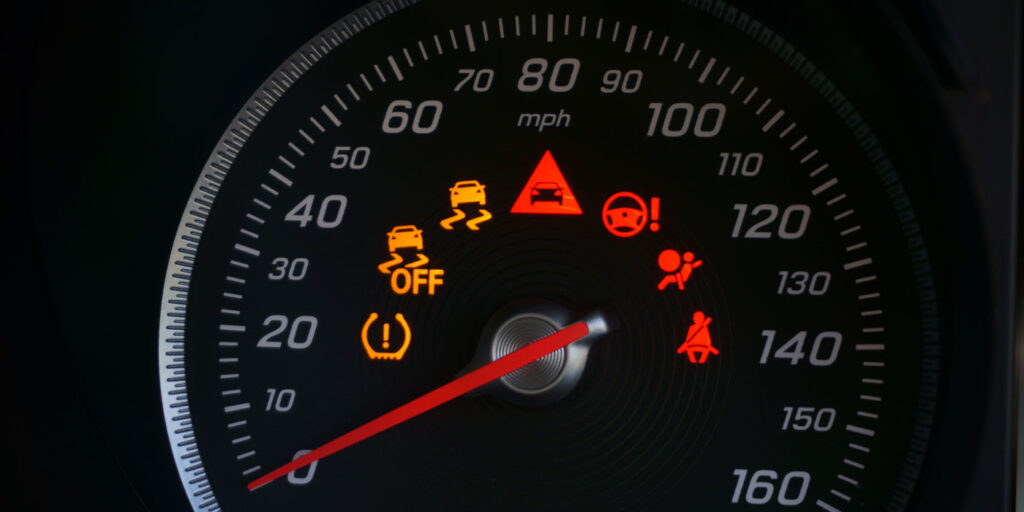
You pull into a gas station, feed quarters into the air compressor, top off every tire to the exact PSI printed on the driver’s door jamb, and climb back behind the wheel—only to see the yellow horseshoe warning light staring right back at you. It is a common frustration, and in most cases, it does not mean the air compressor lied or your tires have a slow leak. Tire Pressure Monitoring Systems (TPMS) do not always update the second air enters the valve stem.
Depending on how your vehicle measures tire pressure, the dashboard warning might clear after a short highway drive, require a manual button press, or point toward a failing wheel sensor. Knowing how to reset the system safely—and recognizing when the light signals a hardware issue rather than low air—will save you unnecessary trips to a repair shop.

Why the TPMS Light Does Not Turn Off Immediately

Modern vehicles rely on one of two technologies to monitor inflation levels: direct TPMS and indirect TPMS. Understanding which setup your car uses explains why a simple air top-off does not always clear the dashboard alert right away.
Vehicles equipped with direct TPMS have physical battery-powered pressure sensors mounted inside each wheel, usually attached to the back of the valve stem. These sensors transmit real-time PSI and temperature readings via radio frequency to the vehicle’s onboard computer. Even after you add air, many sensors remain in a low-power sleep mode while parked and only broadcast updated pressure numbers once the wheels spin above roughly 15 to 25 mph for several minutes.
Vehicles with indirect TPMS do not use pressure sensors inside the tires at all. Instead, the anti-lock braking system (ABS) wheel-speed sensors track how fast each tire rotates. Underinflated tires have a slightly smaller rolling diameter and spin faster than properly inflated ones. Because the computer calculates rolling circumference by comparing wheel speeds over distance, an indirect system cannot detect that you added air until you manually recalibrate it and drive so the computer can learn the new baseline.

Quick Checks Before Attempting a Reset

Before pressing buttons or cycling the ignition, verify a few basic details so you do not accidentally mask a real safety issue:
  • Confirm the factory PSI specification: Check the Tire and Loading Information placard inside the driver’s side door jamb, not the maximum pressure molded into the tire sidewall. Front and rear tires on some trucks, SUVs, and performance cars require different pressures.

  • Measure tires when cold: Driving heats the air inside a tire and raises pressure by 3 to 5 PSI. If you filled your tires after driving 20 miles on the highway, the cold pressure may still sit below the TPMS trigger threshold once the tires cool down.

  • Check the full-size spare: Many trucks and SUVs include a fifth TPMS sensor inside a full-size spare tire mounted under the bed or on the rear hatch. If the spare drops low, the warning light stays illuminated even when all four road tires are spot-on.

  • Use a reliable digital gauge: Gas station air pumps often have worn-out dial gauges that read several PSI off. Double-check all tires with an accurate handheld gauge.

Step-by-Step Ways to Reset Your TPMS Light

Once you are confident every tire matches the door-jamb specification, work through the standard reset methods below. Your owner’s manual will confirm which procedure applies to your exact make and model.

1. Drive at Highway Speeds for 10 to 20 Minutes

For the majority of cars with direct TPMS, no buttons or tools are required. Drive steadily at speeds above 50 mph for roughly 10 to 20 minutes. Sustained rotation wakes up the wheel sensors, sends fresh pressure data to the receiver, and clears the warning light automatically once all wheels register within the acceptable range.

2. Use the Physical TPMS Reset Button or Dashboard Menu

If your vehicle uses an indirect system—common in many Honda, Volkswagen, Audi, Mazda, and Toyota models—or features a manual calibration option, you must tell the computer to store the current tire pressures as its new baseline:
  1. Turn the ignition key to the ON position (or press the Start/Stop button without pressing the brake pedal) so the dashboard electronics power up while the engine stays off.

  2. Locate the TPMS reset button, typically tucked beneath the steering column, inside the glove box, or near the center console, or navigate to Vehicle Settings > Tire Pressure Monitoring on your infotainment screen.

  3. Press and hold the reset button until the TPMS indicator light blinks three times, then release it. On screen-based menus, select Calibrate or Set Tire Pressure and confirm.

  4. Start the engine and drive normally for 15 to 20 minutes so the system finishes learning the updated wheel speeds.

3. Perform an Ignition-to-Accessory Cycle

Some vehicles respond to a simple power cycle if the TPMS module glitches after a sudden temperature drop or battery jump. Turn the ignition to the ON position without starting the engine, wait about 30 seconds for all dashboard self-checks to finish, turn the ignition completely off, and then start the vehicle normally.

4. Overinflate Slightly, Then Bleed Back to Spec

On older direct TPMS sensors that seem stuck on a borderline reading, inflating each tire roughly 3 PSI above the recommended door-jamb number, waiting a few minutes, and then releasing air back down to the exact factory specification forces a larger pressure change that can prompt stubborn sensors to transmit a fresh reading. Always bleed the tires back down to the exact recommended PSI before driving.

Blinking TPMS Light vs. Solid TPMS Light

Pay close attention to how the warning light behaves right after you start the car, because the pattern tells you whether you are dealing with low air or a system fault.
A solid TPMS light means at least one monitored tire is roughly 25 percent or more below the manufacturer’s recommended cold inflation pressure. This is the standard low-pressure warning you see after a sharp overnight cold snap or a slow puncture.
A blinking TPMS light—usually flashing for 60 to 90 seconds at startup before staying solid—signals a TPMS malfunction rather than simple low pressure. Common culprits behind a flashing indicator include:
  • Dead sensor batteries: Sealed lithium batteries inside direct TPMS sensors typically last 7 to 10 years. When one dies, the computer loses communication with that wheel.

  • Unprogrammed replacement sensors: Aftermarket sensors installed during tire replacement must be cloned or relearned to the vehicle’s ECU using a TPMS scan tool.

  • Corroded or damaged valve stems: Road salt, curb impacts, or improper tire-mounting tools can crack a sensor housing or snap the stem.

  • Radio interference: Poorly shielded aftermarket chargers, LED lights, or dashcams plugged into the 12-volt outlet can occasionally interfere with the 315 MHz or 433 MHz frequency used by wheel sensors.

When to Visit a Tire Shop or Mechanic

If you have verified accurate cold pressures across every tire including the spare, driven at highway speeds, and run through your vehicle’s calibration steps without success, a technician will need to scan the system. Tire shops and auto repair centers use handheld TPMS diagnostic tools that read individual sensor IDs, battery voltage, and signal strength right through the sidewall in seconds.
Replacing a single failed sensor or running an OBD-II relearn procedure is straightforward and prevents you from driving blind to an actual blowout risk down the road. Keeping the system functional ensures you get early warning the next time a nail or cold front quietly drops your tire pressure.

Related Articles